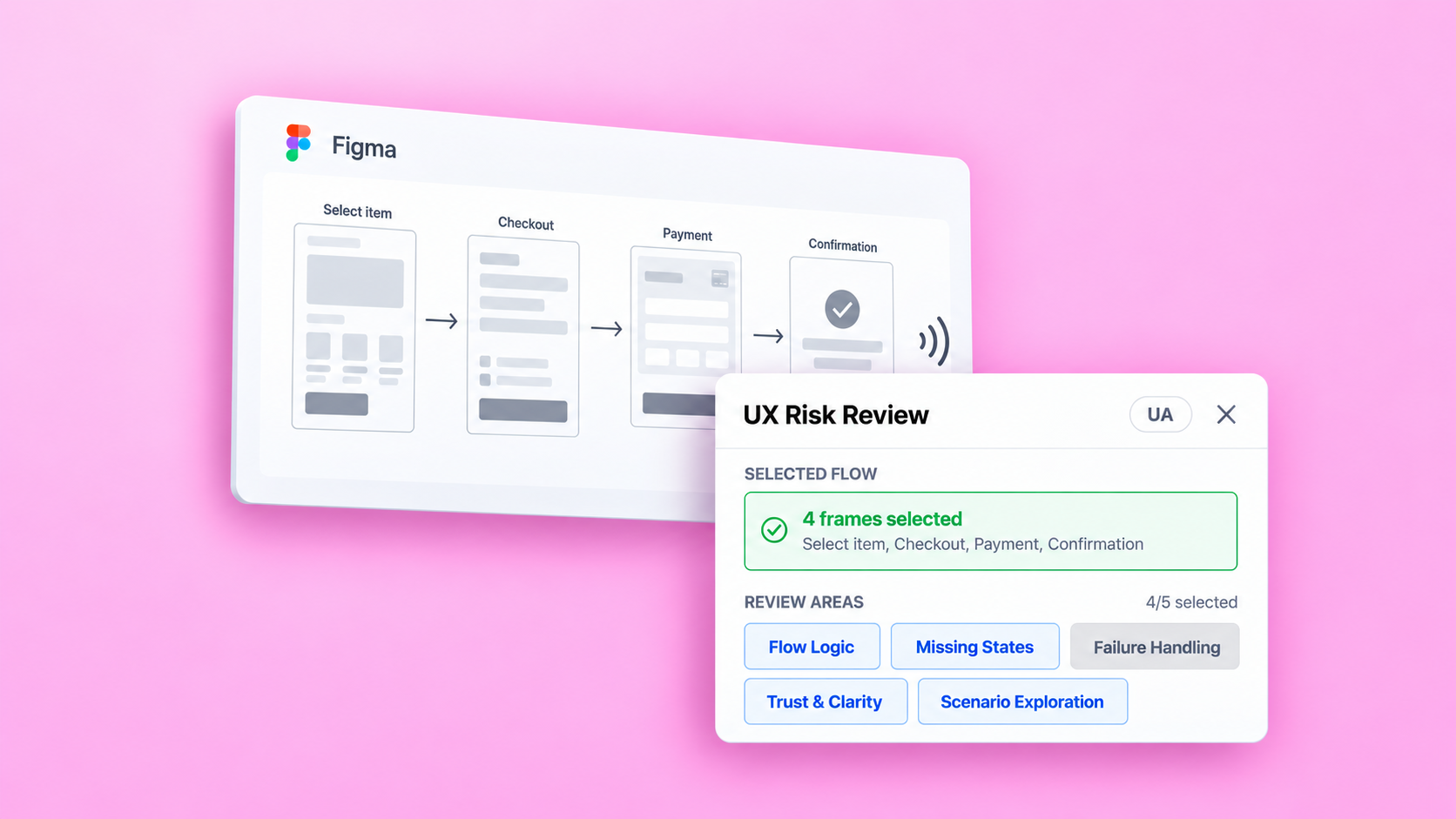
An AI-assisted Figma plugin built and tested to review connected user flows before handoff. It surfaces missing states, failure paths and unclear interactions while keeping final decisions with the designer.
Role
Product Designer
Scope
Discovery, Product Strategy, AI Interaction
Platform
Figma Plugin
Context
Before handoff, a connected prototype can show how a task is completed while leaving failure paths and alternative scenarios undefined. Finding those gaps requires considering what could happen beyond the screens already designed.
“
Working on a mobile app as the solo designer, and I know for a fact there are dozens of edge cases I'm unaware of. I want to uncover them to design solutions before dev handoff.
Ill_Soil4819 · Reddit, r/UXDesign · 2026
UX Risk Review focuses on potential gaps in selected Figma flows that can be examined before development. Actual system behavior still requires testing in the implemented product.
Research
Published practitioner accounts, team workflows and UX guidance were reviewed to understand how designers structure reviews and assess feedback. The material was grouped into themes, with source-backed observations separated from assumptions.
Research insight
Verifying AI feedback takes effort. Confident wording can make incorrect conclusions harder to notice.
Product question
What information does a designer need to assess a finding?
Design response
Explain why each finding was raised, support follow-up questions and let designers record their assessment.
Research insight
Design critique requires agreed objectives and scope. Feedback needs to be assessed against the task and product constraints.
Product question
How can designers assess whether a finding applies to their product?
Design response
Collect project context, allow review-area selection and let designers mark findings as not applicable or requiring discussion.
These sources describe review practices and recommendations. They do not establish how designers would use this plugin; that requires separate testing.
Select the flow, describe the user’s task and product constraints, and choose the review areas.
Inspect a finding
Check the finding’s explanation and evidence against the referenced frames. Assess whether they support the conclusion.
Discuss the finding
Ask follow-up questions to clarify the reasoning or add missing context. Use the exchange to assess whether the finding applies to the flow.
Review summary
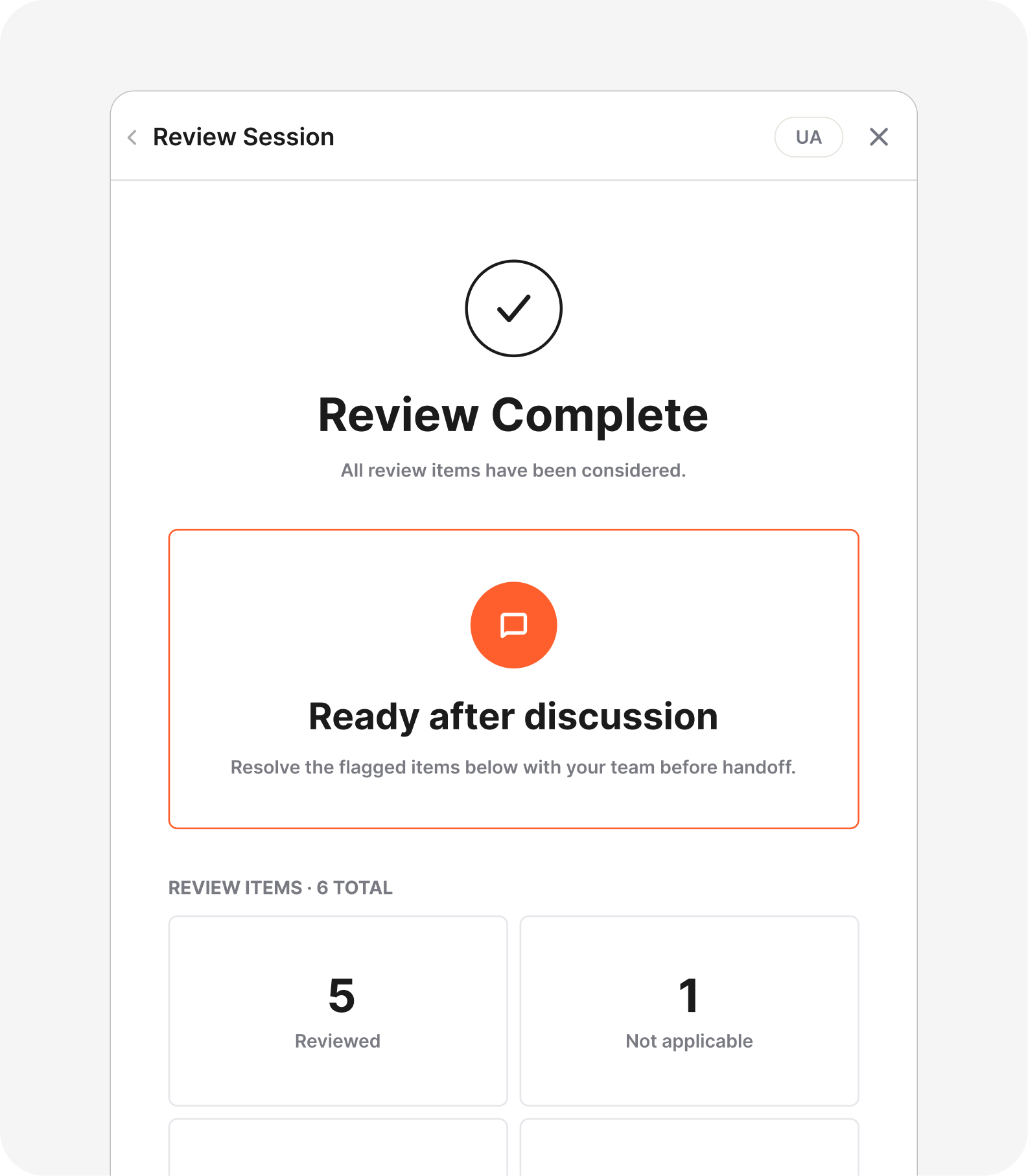
The summary brings together the designer’s assessments and questions that need further discussion.
Review boundaries
The plugin helps identify potential gaps before handoff based on the selected frames and supplied context.
A state absent from those frames may be documented elsewhere.
AI may raise incorrect findings or miss relevant risks.
Whether users understand the flow and can complete their task requires evaluation with users.
Testing & findings
An author-led review of one transfer flow assessed whether findings were relevant and supported by the selected screens. This evaluated the output of a single review session, rather than usability or overall detection accuracy.
Relevant questions
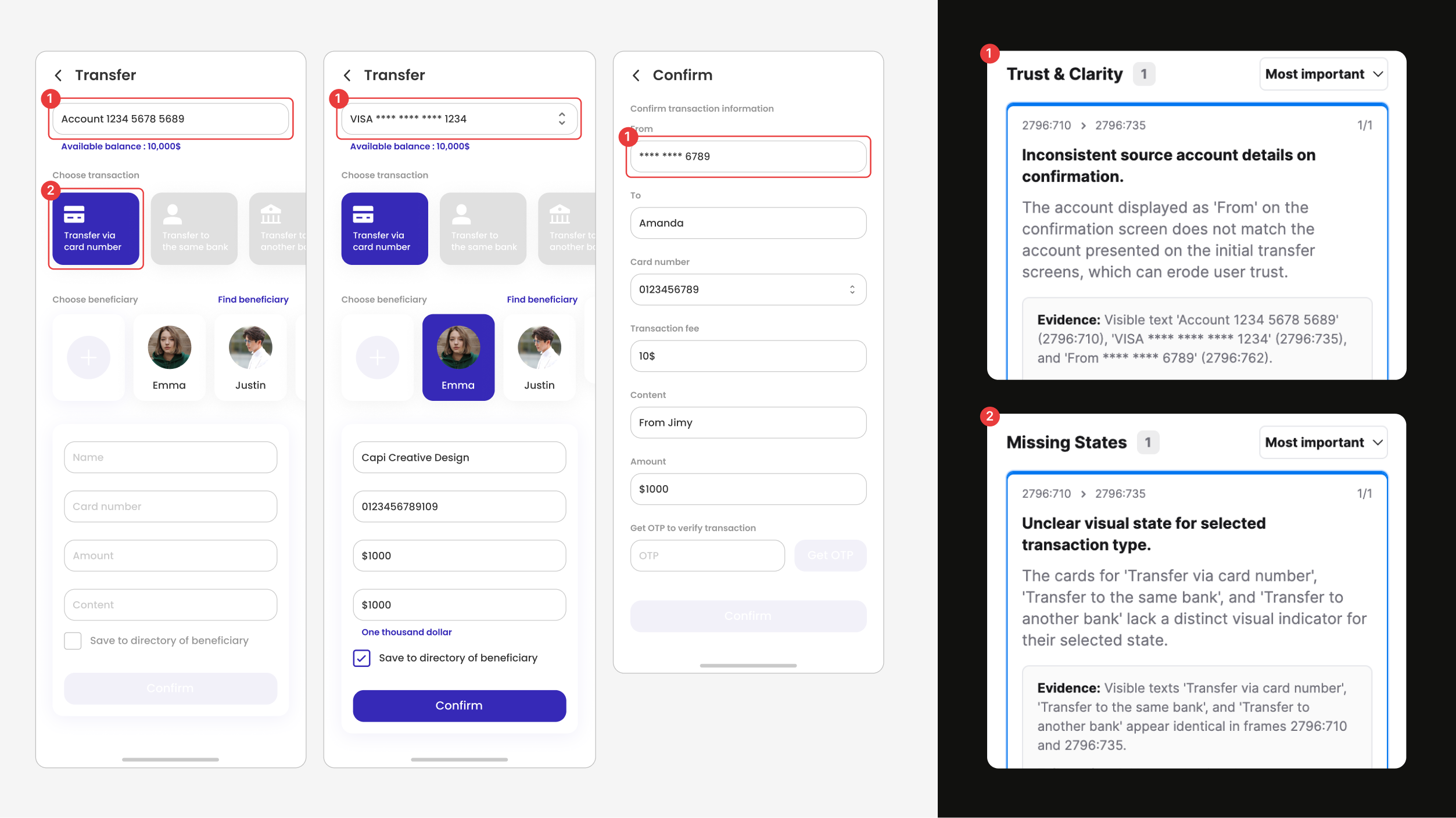
The plugin highlighted differing source identifiers and asked about authentication choices and recovery from an incorrect OTP. These were useful topics for clarification, although the screens alone did not establish a design problem.
Unsupported finding
The plugin claimed that the selected transfer type lacked a visual distinction, despite its purple background. It assigned high confidence to the finding and carried the same unsupported assumption into a scenario question.
DESIGNER ASSESSMENT
1 Requires clarification
The source identifiers differ across screens, but this does not establish a mismatch: account and card identifiers may differ. Clarify which source each screen represents before recommending a change.
2 Unsupported finding
The selected transfer type already has a purple background. The finding overlooks this visible distinction and does not support adding another selection indicator.
Next iteration
The next iteration will focus on grounding findings in the available visual evidence. A repeat review should check whether the false selection-state finding is removed, whether scenarios avoid repeating it, and whether relevant clarification questions are retained.
Iteration & retest
The next iteration focused on separating evidence from assumptions, so designers could assess whether a finding warranted a change or needed more context.
Changes made
Findings were labelled as observed issues or clarification questions, with supporting evidence available in an expandable section. Scenarios were refined to explore additional conditions rather than repeat the findings.
Retest outcome
A repeat review of the same transfer flow correctly distinguished the Confirm button states on the OTP and biometric screens. Scenarios explored incorrect or expired codes and alternative transfer paths.
However, the plugin still treated differences in source identifiers and Content values as issues while assuming the screens belonged to one transaction. The retest showed specific improvements, but conclusions that depended on screen relationships still required clarification.
Reflection
The transfer-flow tests clarified what makes a review useful. It should help a designer decide what to change, clarify or investigate. A traceable finding can still rest on an unsupported interpretation and create additional verification work.
This made uncertainty a product requirement. The review should distinguish visible evidence from assumptions before recommending action. The remaining errors showed that adding this distinction to the interface was not enough. It also had to govern the conclusions.