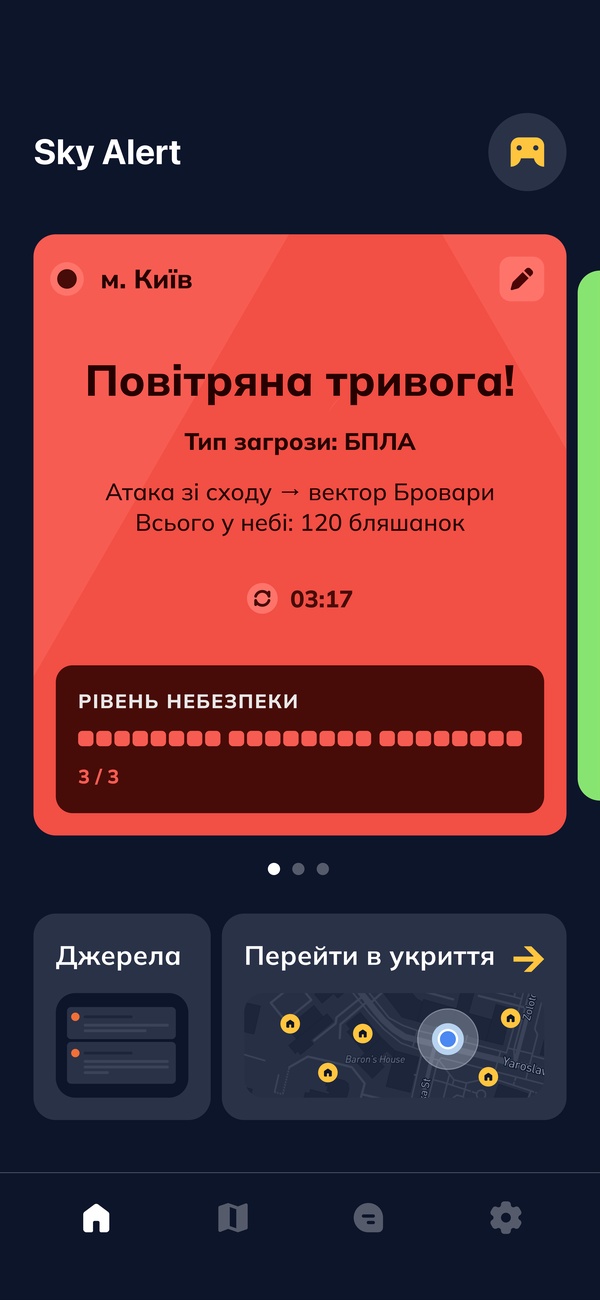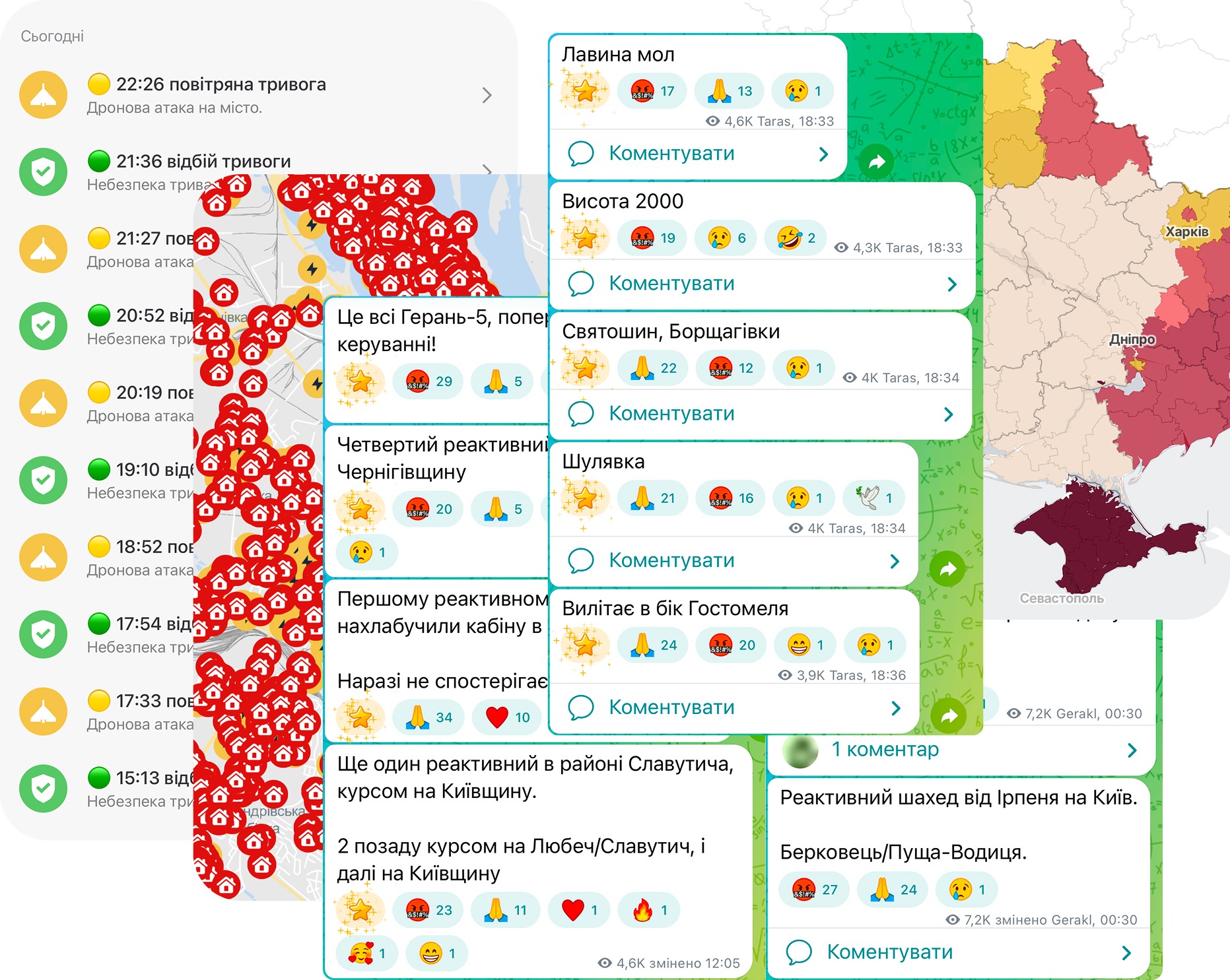
Information is fragmented
Threat details, maps, local updates and shelter information are distributed across separate services. People check additional sources to identify the threat and determine whether it concerns their location.
A mobile app that combines air-raid alert details and nearby shelter information.
Play with prototype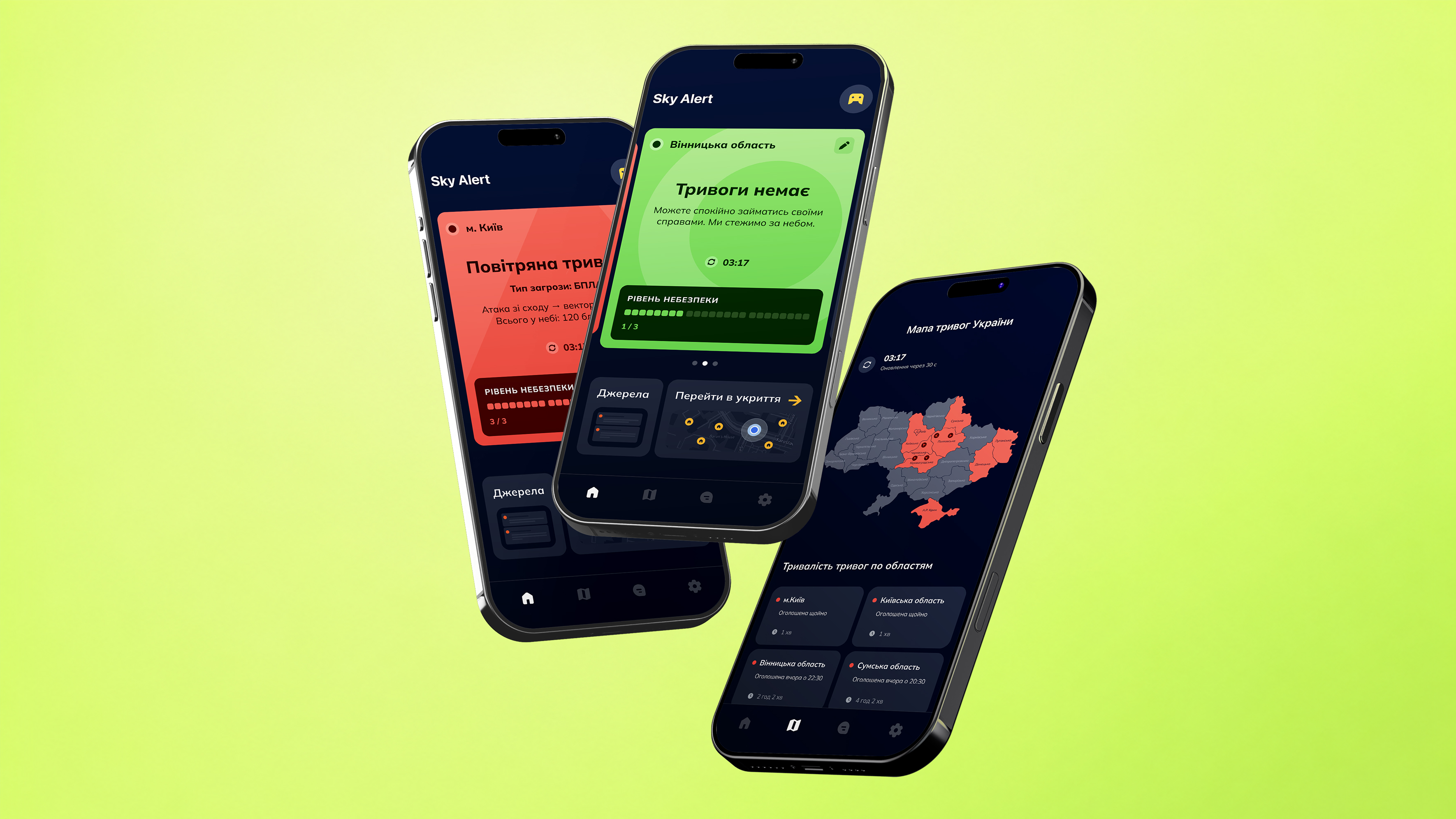
An air-raid notification signals danger, but rarely provides enough context
for an immediate decision. People move between Telegram channels, maps
and local chats to understand the threat and find shelter information.
The research focused on how people respond to air-raid notifications,
assess personal risk and decide what to do next.
3 exploratory interviews · 3-week observationCompetitor review · Firsthand use during air raids
People check additional sources to identify the threat and determine whether it concerns their location.
People also need to know whether a shelter is accessible, where the entrance is and what conditions are like inside. These details matter when preparing for a potentially prolonged attack. During an immediate threat, the priority is reaching shelter quickly.
The project was developed as an interactive product prototype. Decisions involving live data and notification behavior were considered at the product and interaction level without technical implementation.
Verified live availability data was not accessible, so real-time shelter status was excluded from the MVP. The prototype shows shelter locations and available access details without presenting an unverified status.
Users can adjust notification behavior by threat type. Quiet hours apply only to non-critical updates, while critical alerts remain active. Changes that reduce notifications include a clear safety warning.
Source management, notification settings and personalization were designed as interactive flows. Backend behavior, data synchronization and notification delivery were outside the prototype scope.
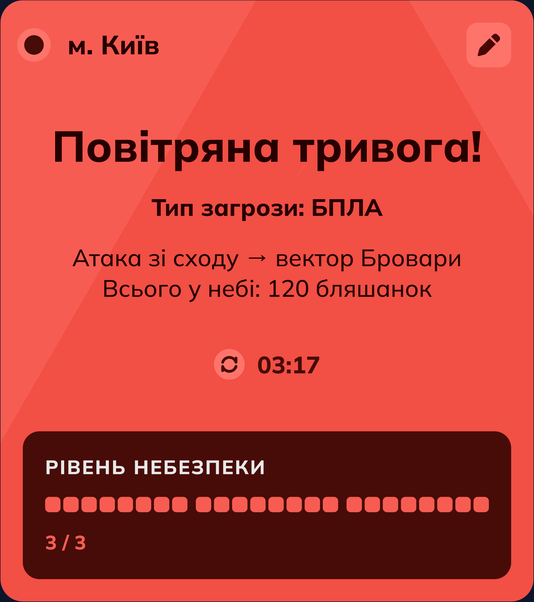
The mobile experience combines active alert details, location-specific information, nearby shelters and navigation in one connected scenario.

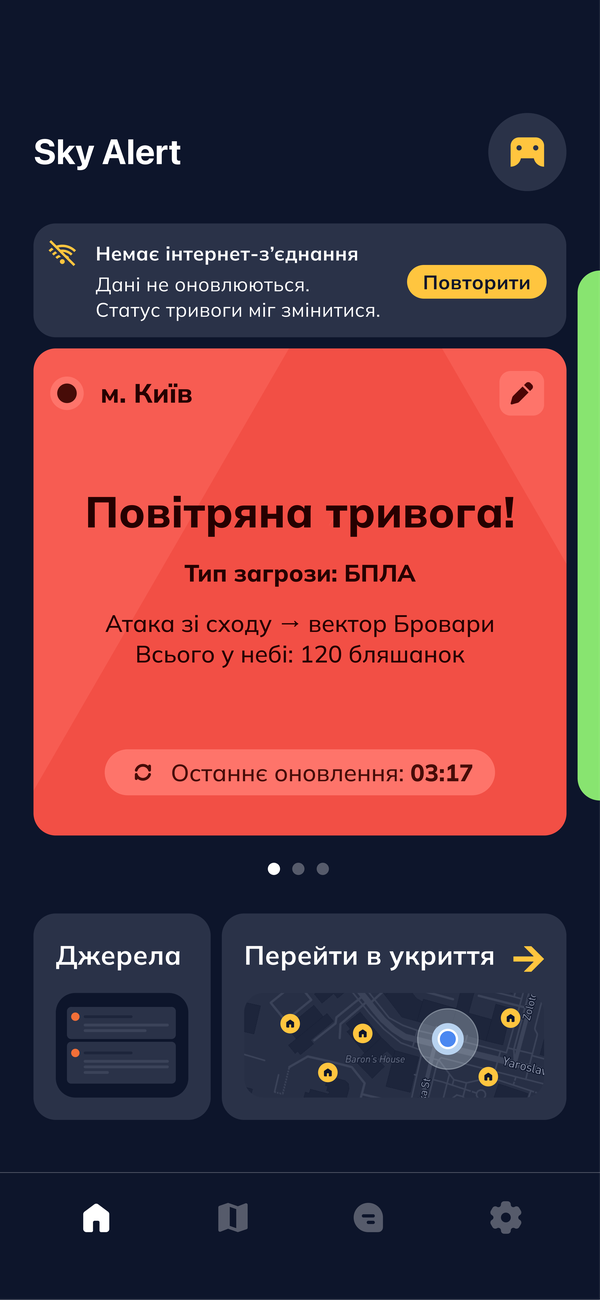
The active alert shows the available threat information
and its source.
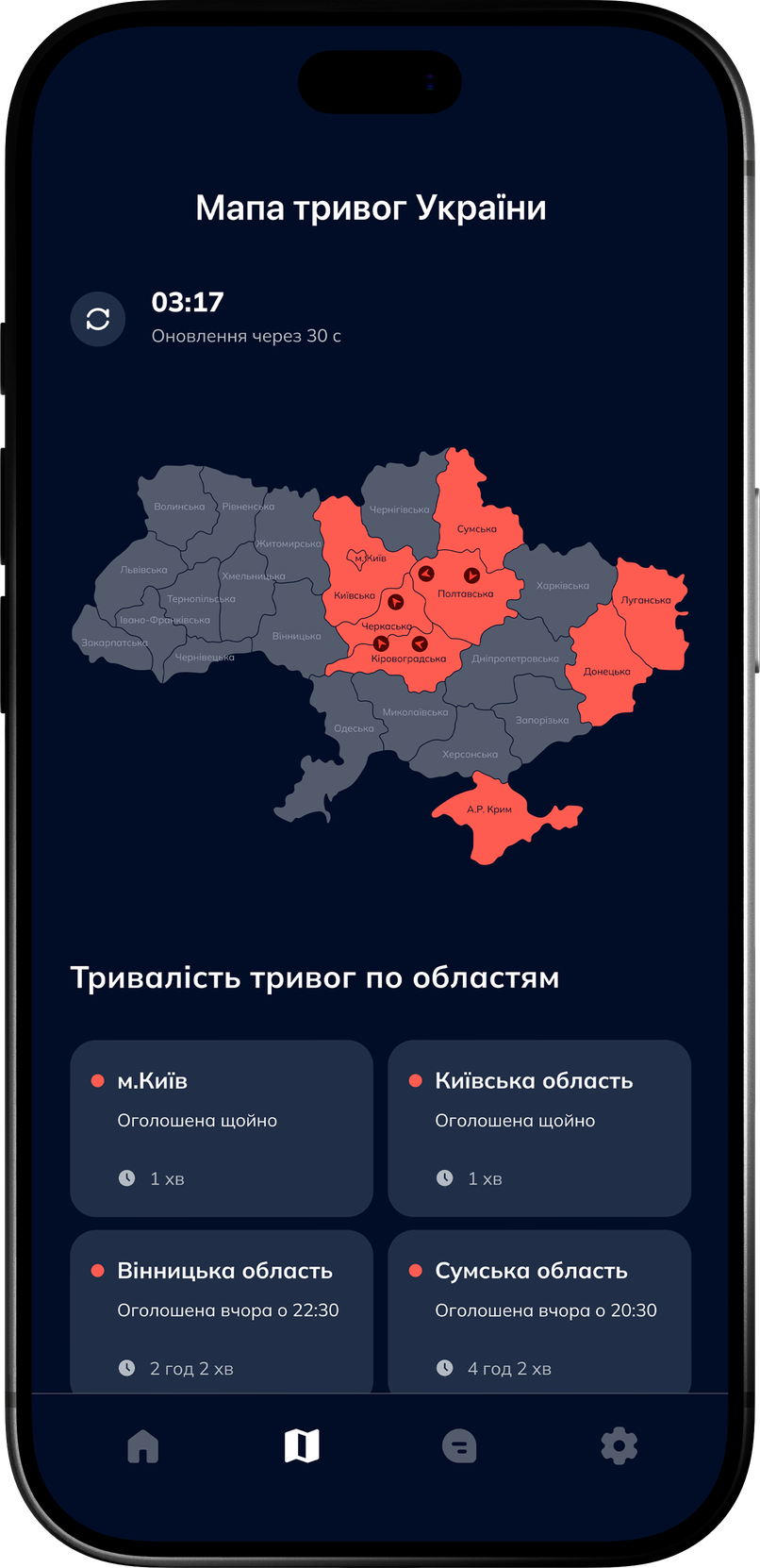
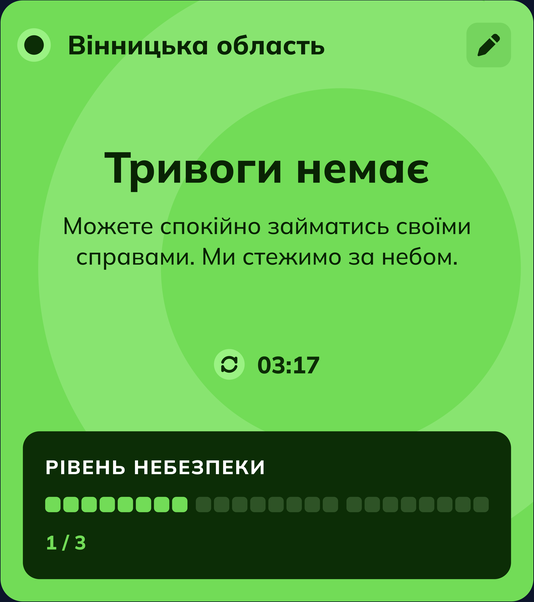
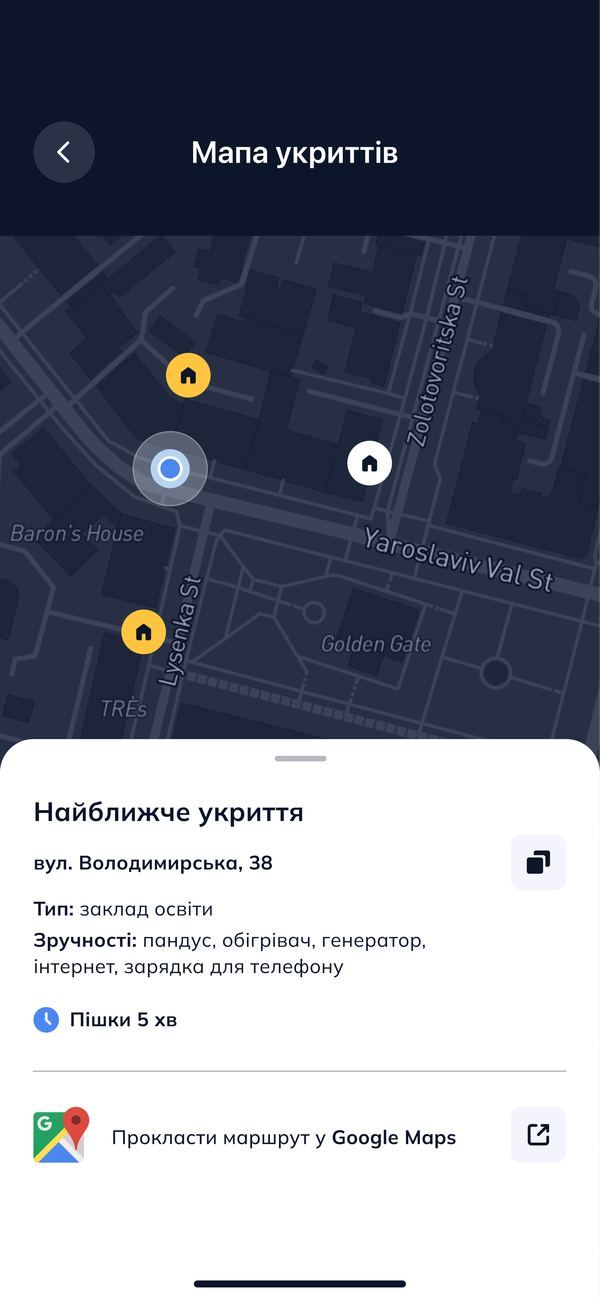
Map-based information helps users assess the situation around their location.
Each location includes the practical information available
for making a choice.
A selected shelter can be opened directly in navigation.
A compact design system keeps alerts, shelter information, navigation and system states consistent. It includes typography, color roles, spacing, reusable components, variants and variables.
Emergency flows also need clear responses when connection, location or current shelter information is unavailable.
The last available data is shown with its update time.
Users can retry the connection.
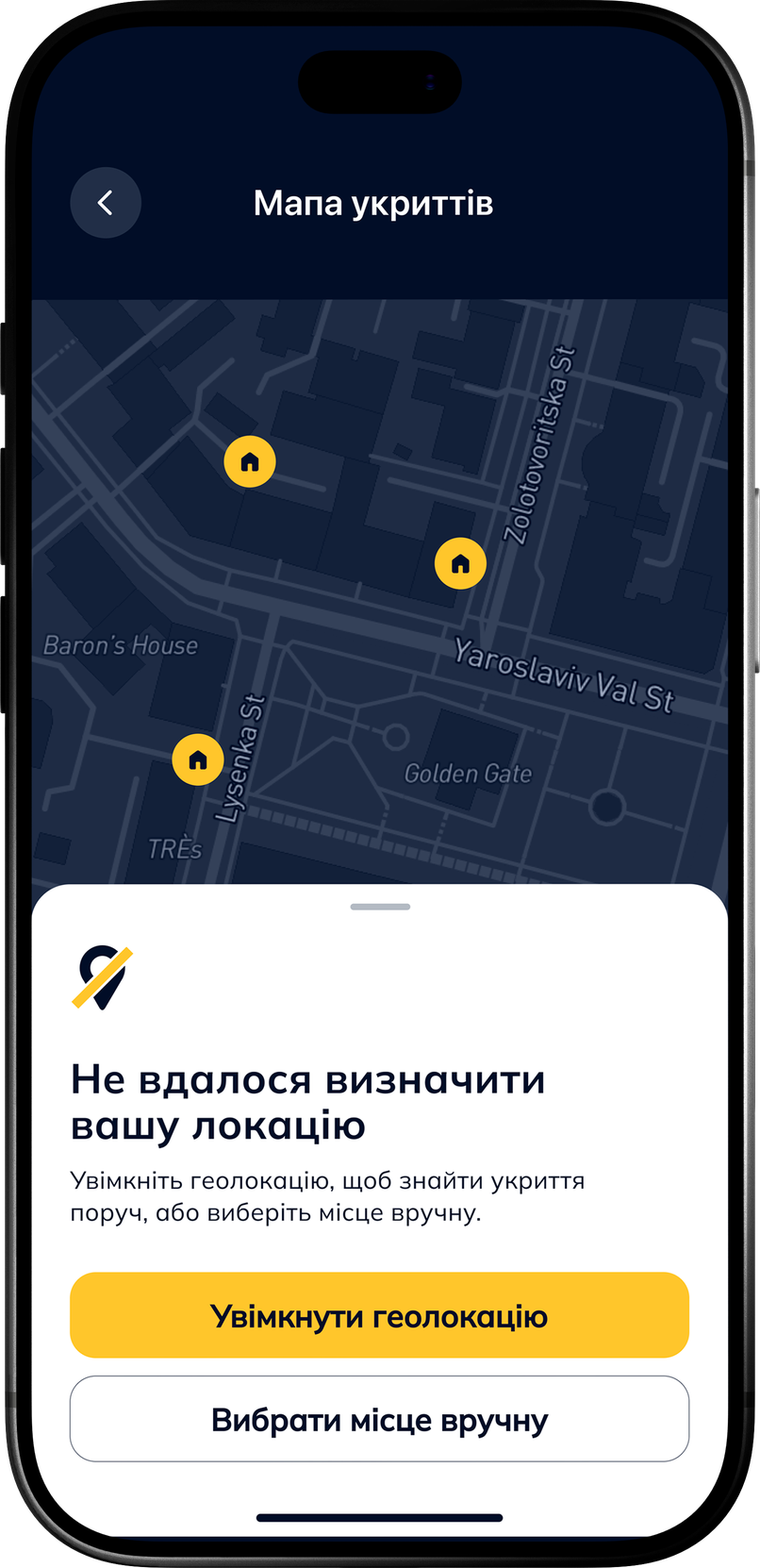
Users can enable location access or choose a location manually to find nearby shelters.
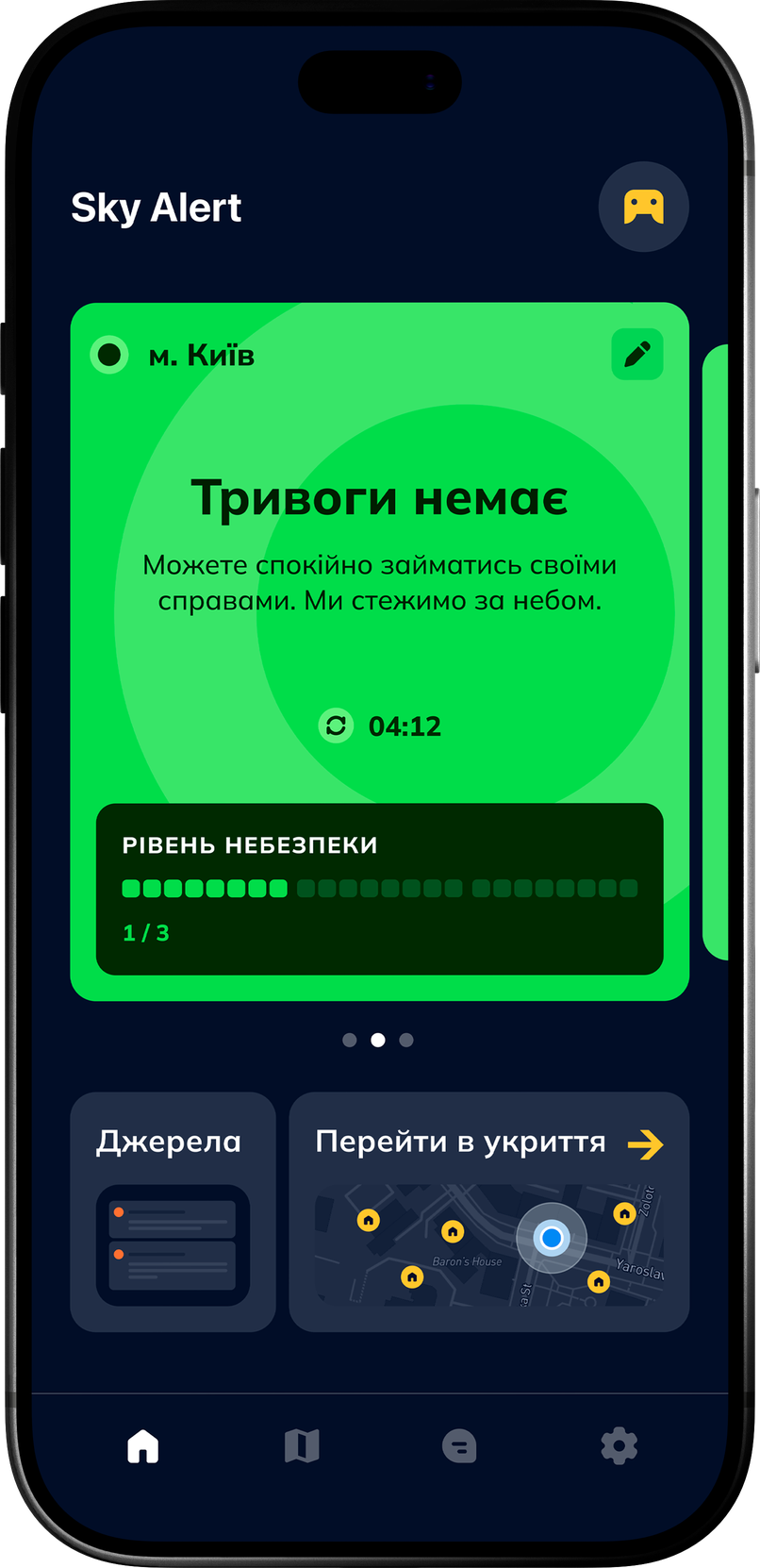
The end time and latest update are shown for the selected area. Maps and shelter information remain available.
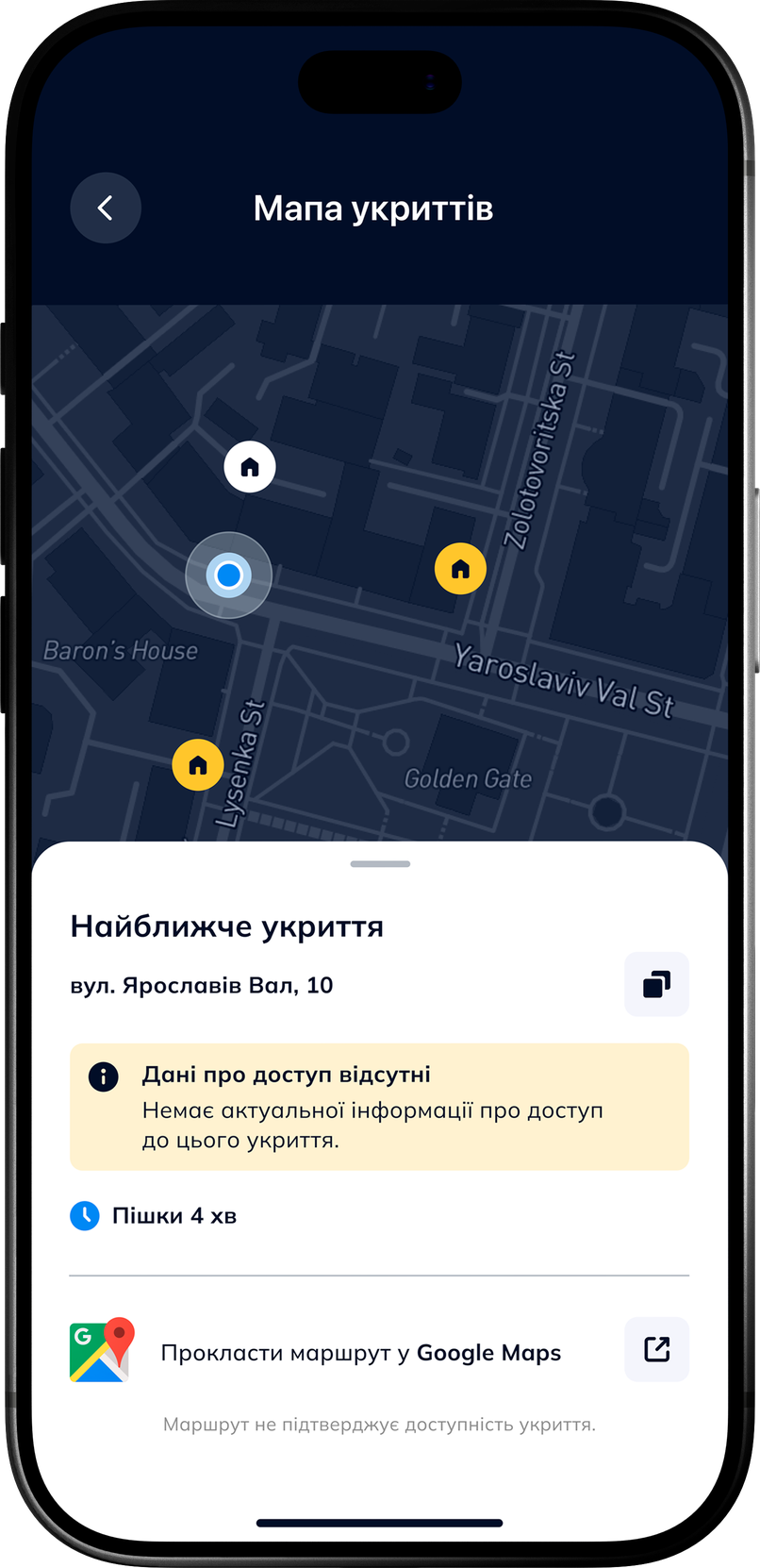
Missing access information is clearly marked. Known shelter details and navigation remain available.
The main scenario was tested with three participants to evaluate whether they could understand the alert, find a suitable shelter and start navigation without additional guidance.
Designing for emergency use showed that the product must answer two questions quickly:
what is happening and where the nearest shelter is.